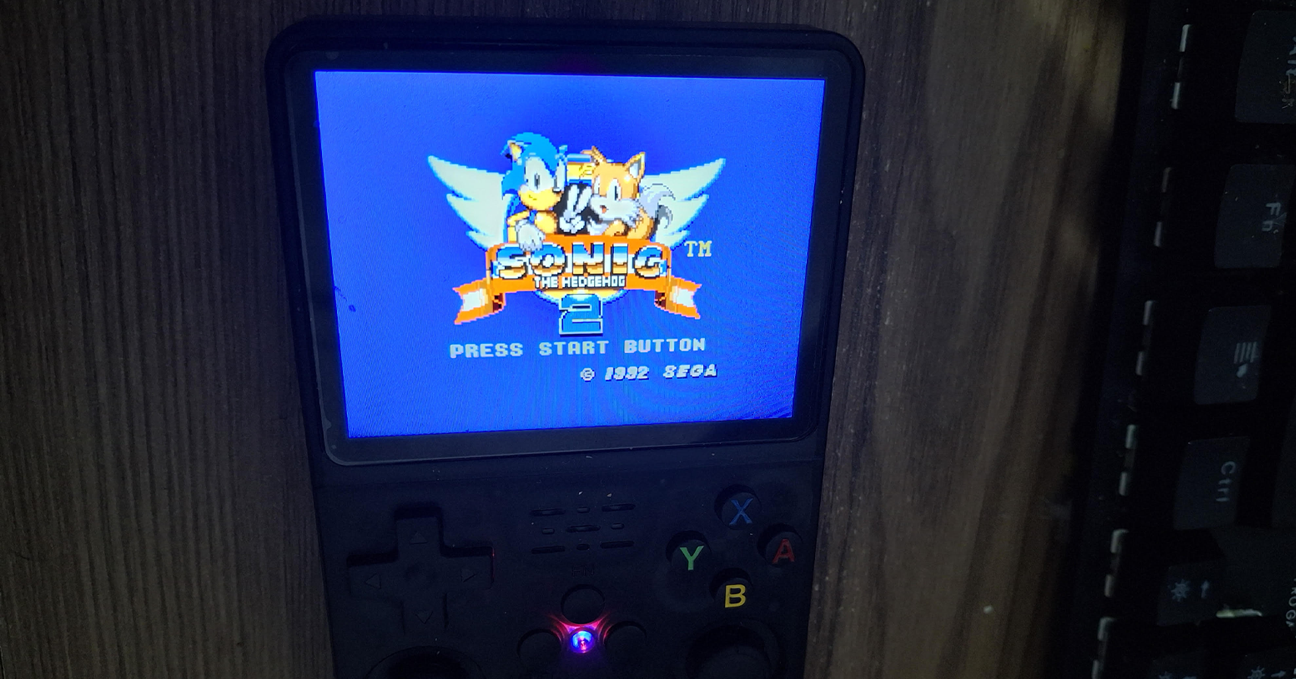
I purchased an R36S portable emulator recently and, after erasing everything and installing a clean distro from scratch, my first action was to persist the game saves.
Why? Because over the years, losing save games has been one of the most frustrating experiences for me. I explored a few ways to implement cloud storage solutions—like Dropbox, Google Drive, and OneDrive—but after a while, Git repositories seemed like the best option.
A Git repository allows these small files to be stored along with their different versions over time. I don’t expect the repository to grow too large, and I don’t plan to abuse it, so I’m going to use GitHub as my remote. If it grows, I can change the remote later or adjust my strategy.
Configuring the RetroArch save folders
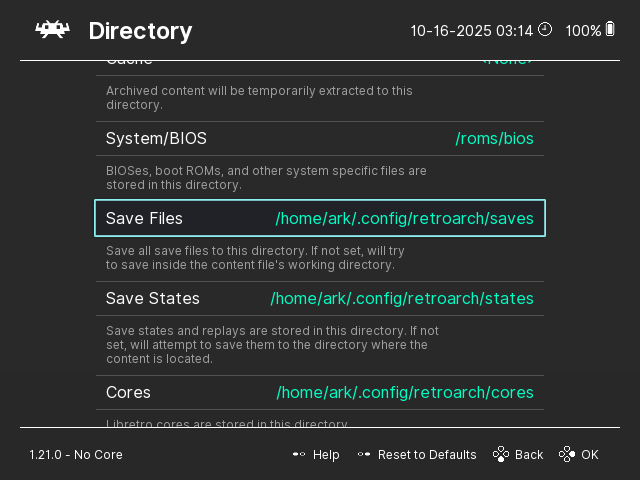
TThe first thing I did was change the save file directory from the individual ROM folders to the global /home/ark/.config/retroarch/saves/ instead.
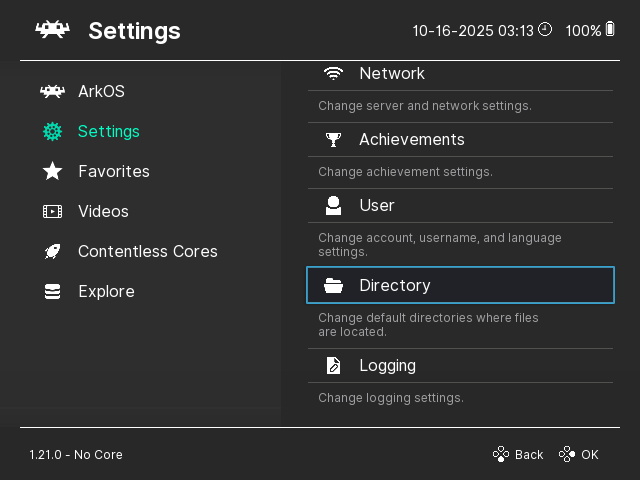
OOpen RetroArch and go to Settings > Directory > Save Files.
Do the same for the Save States
Don’t forget to persist your configuration file before quitting.
Then, I created two private repositories: k36-saves and k36-states.
Creating the SSH keys
After enabling Wi-Fi or LAN on your R36S, log in via SSH using your preferred method (SSH, WSL SSH, PuTTY, etc.). In my case, I used the following command:
When asked for a password, I used the default ark Now, you can create the SSH keys:
ssh-keygen -t rsa
This creates a public/private key pair in your user’s home folder. Copy the contents of /home/ark/.ssh/id_rsa.pub and add them to your GitHub Settings > SSH and GPG keys section. If you have other repositories, I recommend creating a separate account since this provides full write access to your repositories.
Creating the Local Repositories
Now, let’s go to the previously mentioned saves folder and initialize the repository there:
cd /home/ark/.config/retroarch/saves/
git init
git remote add origin git@github.com:viniciusrezende/k36-saves.git
git checkout -b main
Replace the remote URL with your own repository. Repeat the same process for the states folder.
While we’re here, let’s configure the global information for the Git user:
set -e
timestamp=$(date +"%Y-%m-%d %H:%M:%S")

cd /home/ark/.config/retroarch/saves
if ! git rev-parse --is-inside-work-tree >/dev/null 2>&1; then
  exit 1
fi
if [[ -n "$(git status --porcelain)" ]]; then
  echo "Changes detected. Committing..."
  git add -A
  git commit -m "Auto commit: $timestamp"
fi
git push origin main

cd /home/ark/.config/retroarch/states
if ! git rev-parse --is-inside-work-tree >/dev/null 2>&1; then
  exit 1
fi
if [[ -n "$(git status --porcelain)" ]]; then
  echo "Changes detected. Committing..."
  git add -A
  git commit -m "Auto commit: $timestamp"
fi
git push origin main
Adding the cron event
For the last step, open the crontab with crontab -e and add the following line:
*/5 * * * * bash /home/ark/pushgit.sh
Extra
While writing this, I had some issues taking screenshots from the R36S. For anyone curious, I used the following command:
This post brings together the five entries of my development log for a CHIP-8 emulator written in Rust with SFML. The code is in the rust-chip8 repository.
Day 1
Continuing my quest for learning Rust, I elaborated a list of potential projects. I started a couple privately but then I found the suggestion of creating a Chip-8 emulator somewhere. Unfortunately, I don’t remember where it was.
I started with my code reading the ROM file to a byte vector and the basic rendering window. Then I started creating variables for the program counter, the RAM, the registers, and the stack. I proceeded to wrap these variables in a struct and added the call_operation function.
The display opcode was quite fun to implement, I first used SFML Rectangles directly but then moved to use a multi-dimensional array. Oh, and my bitwise operations to extract the bits from the sprite were inverted, so it caused some confusion.
As usual, there is a lot of improvement and refactoring to be done. I like to start with a dirty proof of concept and then work on it, but the call operation needs some serious refactoring and the display can be done directly to SFML Image/Texture.
I can’t deny it was a satisfactory experience since I never did something like it. Similar to other projects that I created and that are not web-related.
Except for reading files in binary form, there is nothing new regarding Rust in this project. I also need to practice writing unit tests during the development process.
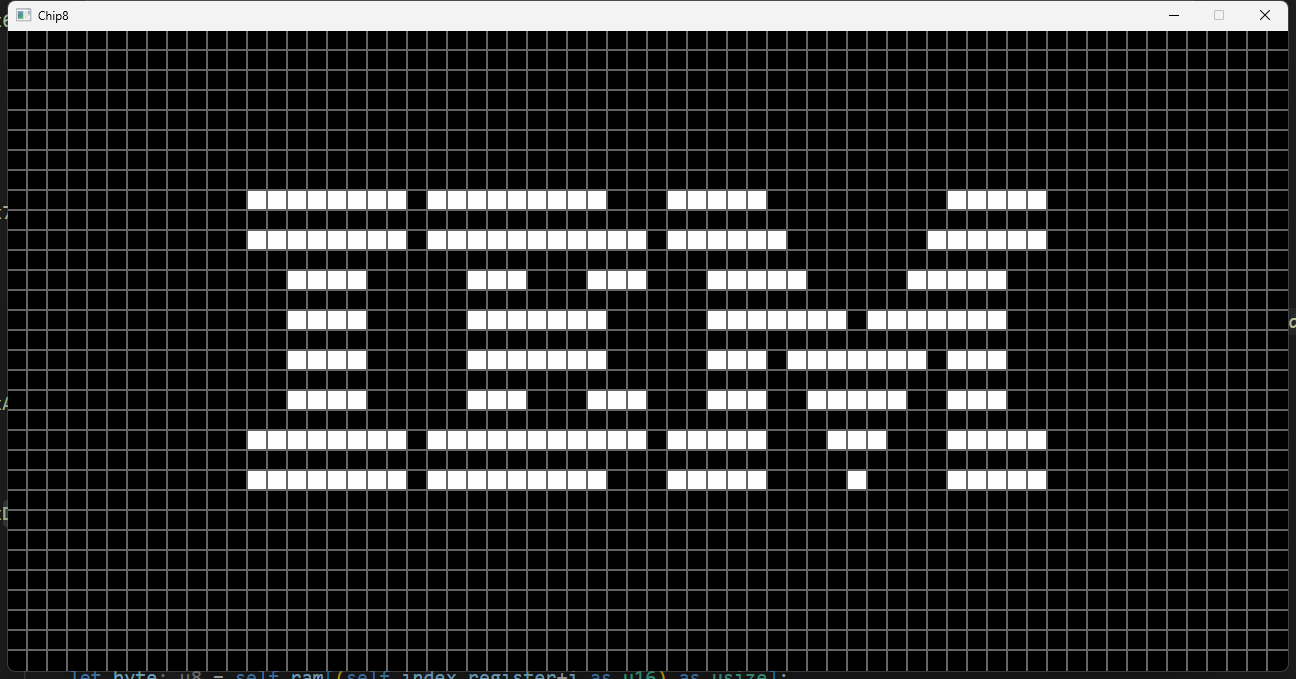
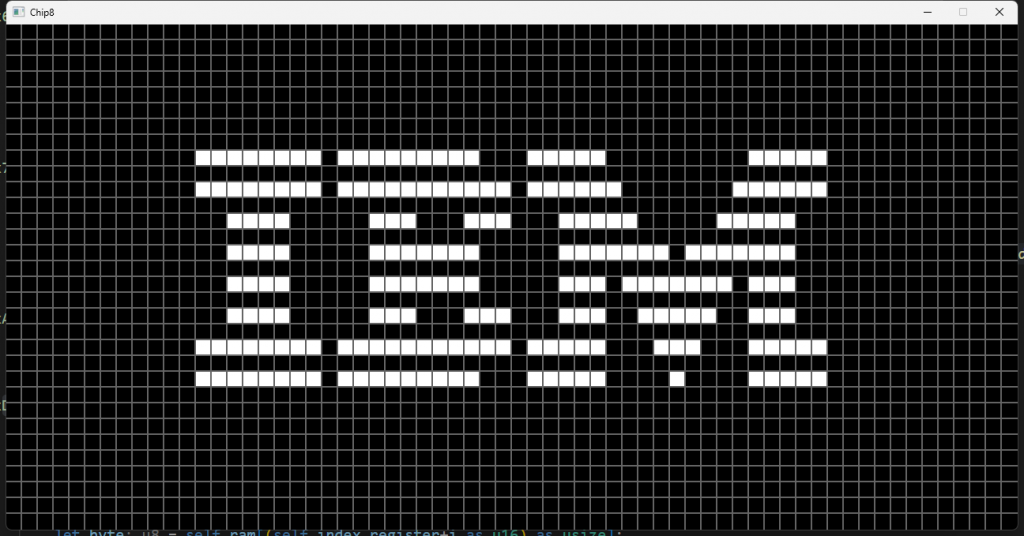
The IBM logo ROM, the first milestone
Day 2
I got momentum and started implementing the other opcodes. I ended up with a messy code, a giant switch where everything happens.
I need to take the time and do a proper refactor to it. I still thinking about how I am going to implement it and the lack of free time is not helping much.
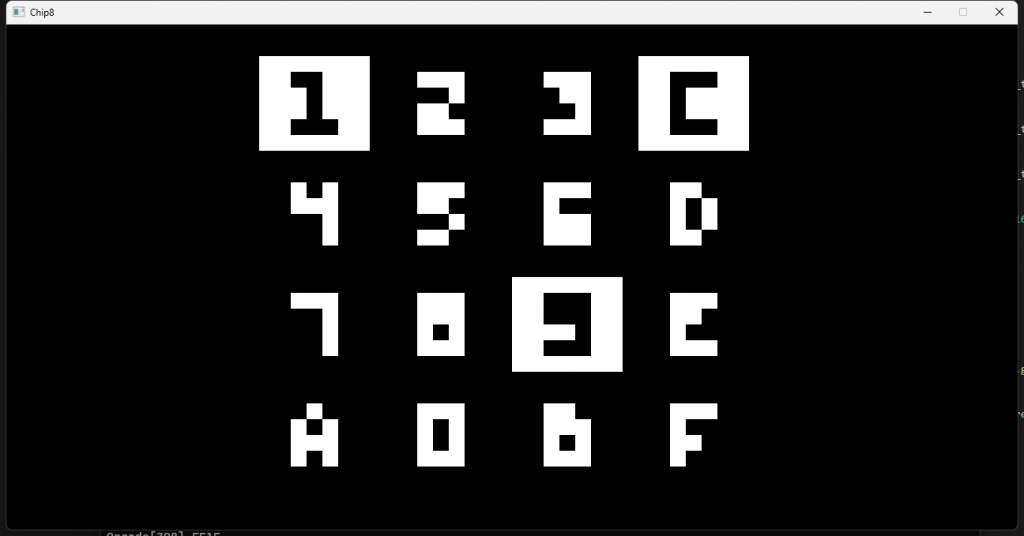
I also added the default font sprites at 0x50. But didn’t find any ROM that actually uses it.
Not much to show or tell about, but as soon as I finish the refactor, I am going to post an update. The progress can be checked on the chip8 emulator repository.
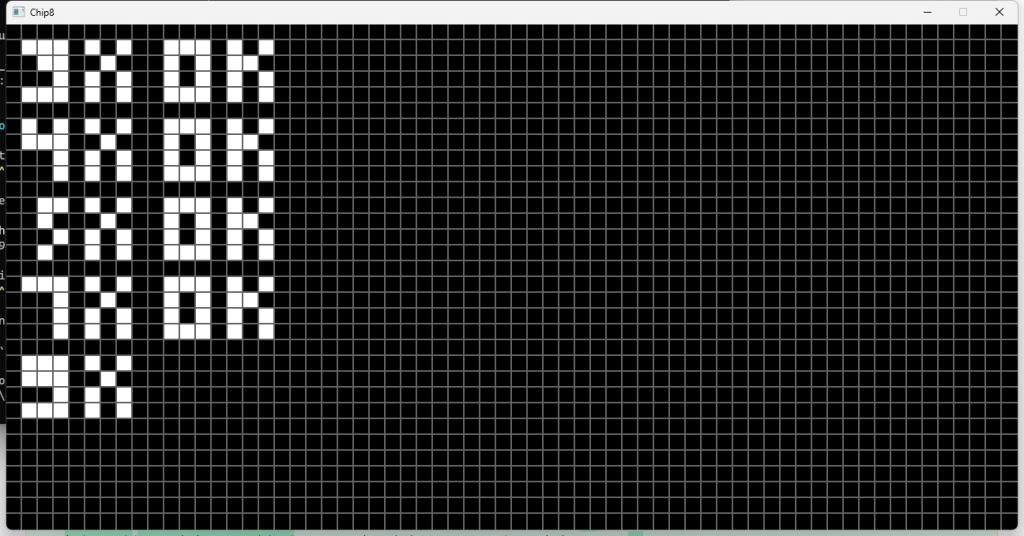
The test_opcode ROM reporting OK for each opcode
Day 3
Navigating through a couple of hectic weeks, just for a change.
However, today afforded me the chance to delve a bit deeper into the code. I refactored the video portion of the emulator, organizing the files and opcodes a bit more efficiently. There’s not much to showcase at the moment, but my current focus is on the 0x9xy opcodes.
Day Who Knows
This post sums up the small iterations of three different days. Basically, I implemented 9xy0 and cxkk opcodes, fixed some typos, corrected a few inconsistent implementations, and added SFML redraw only when the display opcode(dxyn) was called. Hence improving the performance.
I passed both test_opcode.ch8 and BC_test.ch8 test roms, which made many other roms work as well. I still need to implement the sound, input, and delay opcodes.
It’s been an enjoyable journey so far, besides taking a bit long due to the lack of free time. I am always thrilled when I get my hands on something different that’s not web-development related.
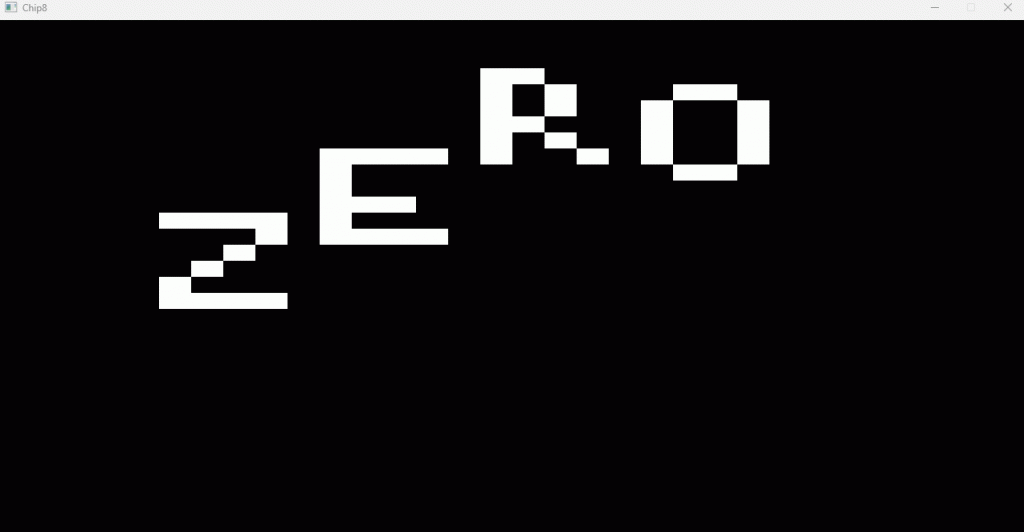
The Zero demo ROM running
Day++
Yes, another post describing the few minutes put iterating on this project in a span of many days, and it has finally concluded!
I discovered a test suite with a few ROMs that assisted me in completing the development and addressing a few issues. I only encountered a challenge when working with the input, as it was not functioning properly. It turns out I was incrementing the program counter in different places, thereby causing unexpected behavior.
Once again, I find myself reiterating that it has been quite an experience. I relish the opportunity to work on projects outside my comfort zone, and I believe this project is markedly distinct from my day-to-day work, providing a valuable learning experience.
While it may not be the best code I have ever written in my life, I am satisfied with the result. Onward to the next one!
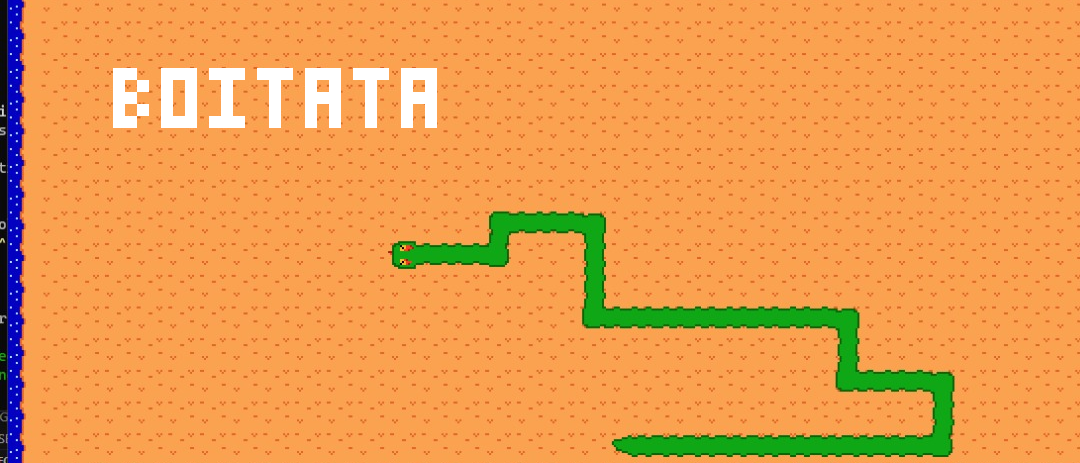
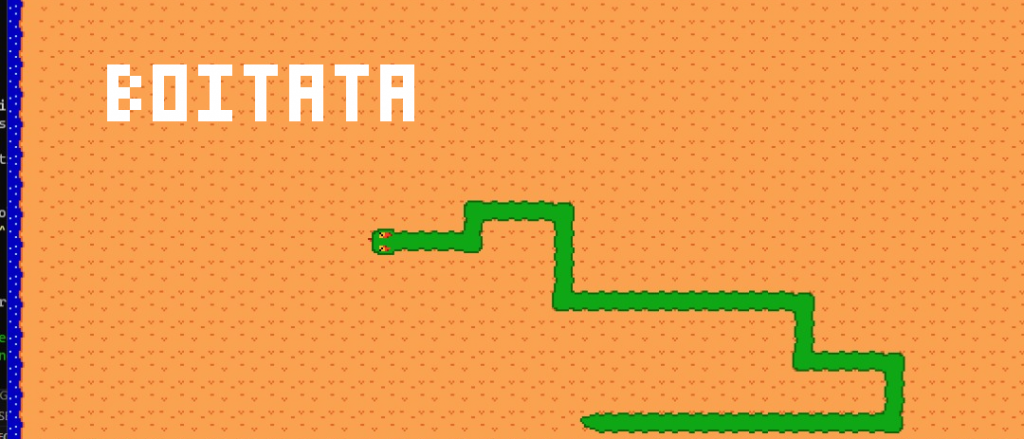
This post brings together the five entries of my development log for a Snake clone written in Rust with SFML, released on itch.io as Boitatá. The code is in the GitHub repository.
Day 1
Introduction
I have a strong passion for coding, but I often struggle when it comes to starting personal projects using the same languages and tech stack I use in my daily job. However, I believe in the importance of exploring new technologies and exploring different scenarios, so I’m using that as a driving force to learn and expand my skills.
Although it has been a while since I worked on anything involving visual interaction, I remember the immense joy I felt when seeing the results of my code with technologies like Processing or Flash/ActionScript over a decade ago.
With that in mind, I’ve brainstormed a few ideas and settled on a tech stack for my next project.
Why Rust?
The features of Rust have truly captivated my interest. I’ve thoroughly enjoyed every aspect of the language, or at least everything I’ve read about it so far. It seemed like a logical choice for this project, and if I end up not liking it, I can always switch to something else, right?
Why SFML?
I had some prior experience with SDL2, and SFML appeared to share many similarities with it. However, SFML offers the advantage of wrapping everything in classes, while SDL2 requires the use of long and cumbersome functions. Don’t get me wrong, SDL2 is impressive, but its extensive portability wasn’t necessary for this project.
Why not a game engine?
My primary goal is to learn new programming languages and libraries, rather than focusing solely on game development. The game portion of this project serves as a familiar concept that I can work with and learn from. In fact, I don’t want to limit my future projects to game development alone; they could also involve creating my own GUI toolkit or exploring data visualization.
First day progress:
My approach is to tackle this project without relying on tutorials or lessons, although I will make use of documentation and StackOverflow as needed.
To begin, I cloned the rust-sfml repository and followed the instructions. Once I had it up and running, I created a separate repository for my project and added a boilerplate code to create a window and an event listener.
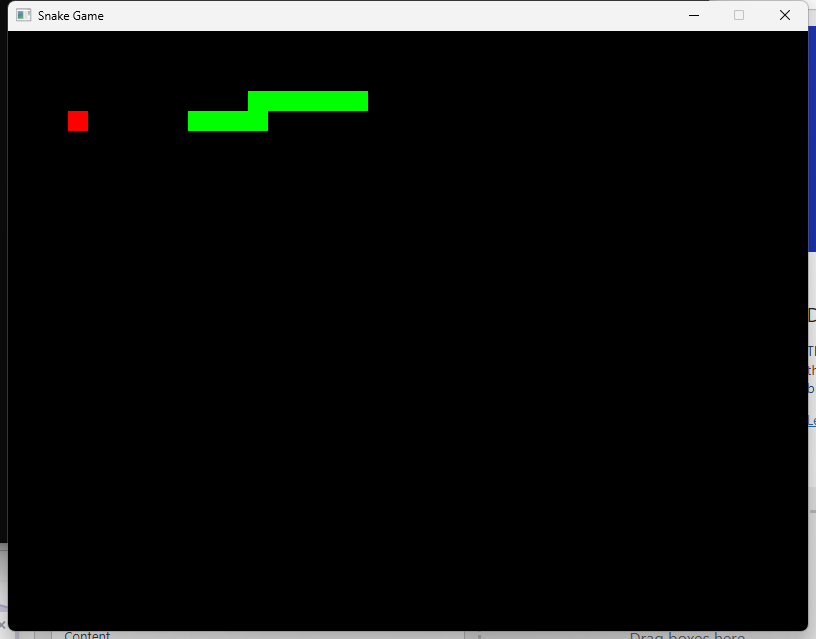
From there, I started implementing the basic features of the game. The process went smoothly, and by the end of the first day, I had a satisfactory prototype that included:
A snake rendered on the screen and controlled by arrow keys
Food items randomly placed on the screen, which, when consumed, increased the snake’s size and speed
Although there is still a lot more to do, you can track the ongoing progress on the GitHub Repository.
Moving forward, my plan is to focus on the following tasks:
Organize the files into modules
Implementing hit detection to walls
Implementing hit detection to snake’s body
Adding game-over functionality, score tracking, and a restart option
Implementing an FPS cap and detection mechanism.
Improving the snake’s speed code.
Enhancing the snake’s movement code.
Adding sound effects.
Adding actual graphics
Learn how to use the debugger
Implement automated tests
Final Notes
This project has been an exciting and unique experience for me, and I’m eagerly looking forward to starting other projects as well. Even at this early stage, I can already appreciate the power and potential of Rust as a programming language. I’m still learning and grasping its concepts and syntax, so please bear with any unconventional code you may come across.
The first prototype at the end of day 1
Day 2 and 3
Day 2
My second day with this project was focused on partially refactoring the code.
I created different modules for the game, snake, and food entities. Also created a module for the direction enum… despite not being needed.
It took quite a while to move code from here to there and solve every complaint from the compiler. Then, I implemented a few getters and setters and removed the pub keyword from the struct members.
The worst part was passing the RendererWindow declared in main to a function implemented for the game type. Oh boy… it was solved using the &mut keyword but I felt like throwing spaghetti at the wall.
I finished with housekeeping. Adding license, updating gitignore, and deleting a few IDE files.
Day 3
My first task was fixing a bug related to the snake’s movement. When a quarter-circle was performed with the arrow keeps it was possible to get the snake heading to its own body.
Later I implemented a few new features: wall render, wall collision, snake body collision, and game over/reset.
I had no hard time implementing anything on day 3.
Final Notes
The 3rd day was a breeze. Probably because it was just programming and I didn’t deal with anything related to Rust syntax and semantics. The 2nd day, however… was a learning experience.
What’s next? graphics? main menu? maybe learn how to read and write a file for high-score records? Soon…
Day 4
I started this iteration by fixing a few bugs and then proceed to add the screens for the different game states(game over, main menu, high scores). It was a quick and dirty iteration just before calling it a day. But since everything happened within 24 hours I am mentioning it.
Then, I created modules for every screen and improved the code to remove any duplicate code and redundancy. Now every screen module is composed of two main functions: render and handler. The further first dealt with key codes but soon it changed to all events.
I committed my changes and started working with the high scores, both recording the values into a file and also fetching it. I got everything working, except the high score display. Dealing with Strings or str within structs or returning was a mess. I went into many lifetime issues when working with it.
I decided to ditch everything related to the high-scores and start over. No git commit was done.
Final Notes
I like to have small iterations to get something working followed by a refactor, but this time I had to rethink my strategy. I understand the causes of the issues I ran into, but I am still learning the language to know how to deal with it.
Day 5
It’s been some busy weeks for me. So I had to slow down my side projects.
Well, I finished the implementation for highscores. Returning a struct with strings is way harder than I anticipated. I used another approach, fetching the values when needed.
I am not happy with the final implementation, but I can always refactor it when I fully understand the language and its concepts.
Oh, I forgot to mention it in the previous post. I got the debugger running and it was one of my goals.
I also moved the project to Linux. Had a hard time setting up the SFML/CSFML dependencies, but everything went ok after I changed the crate dependency to the rust-sfml git repository.
Final Notes
Well, not much was achieved. But I finally got the highscores working. I am just going to implement graphics and sound and then finally call the project done.
Hope the next iteration happens soon.
Day 6
As I mentioned in my last post, I’ve had some really busy weeks – actually, it’s been busy for months now…
I was still contemplating whether to transition to another project since we had pretty much accomplished all the challenges and goals for this one. But in the end, I decided to continue and incorporate both graphics and sound.
I began by creating a sprite sheet and then proceeded to load the textures. Within just a couple of minutes, I managed to transform the food item rectangle into a sprite, and from there, I updated the snake graphics and later, the wall graphics. I also added a subtle sound effect for when the food item is consumed.
The entire process was fairly straightforward and uncomplicated; the only challenging part was ensuring that some segments’ rotations were correct (e.g., graphics for movements from Left-Top needed to be rotated 180 degrees in comparison to Top-Left movements).
With the project now considered complete, I’ve posted it on itch.io. You can check it out by clicking here. I’ve also updated the code on its GitHub repository.
I already have a few ideas for my next projects and will be sharing them here soon!